
Kraken
SciServer is pleased to offer the new Compute Domain Kraken, which offers faster processing and more memory.
To use Kraken, create a new container and select Kraken under Domain:
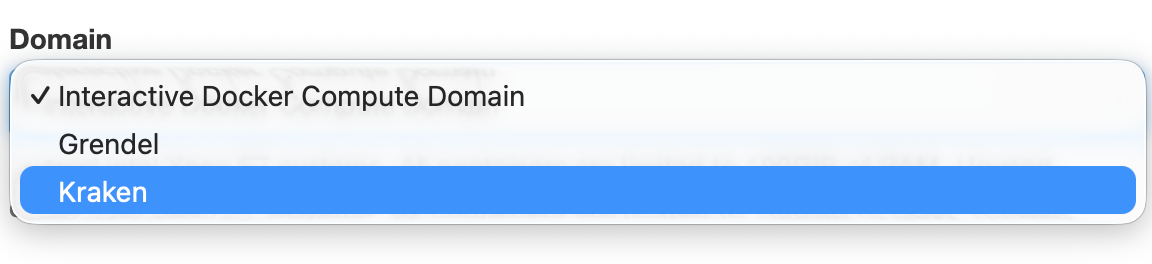
About Kraken
The Kraken domain brings much more powerful and modern processors and memory to interactive containers. We will be discontinuing the “Interactive Docker Compute Domain” in favor of “Kraken”, however in the near-term both will be available. If you experience any issues or believe there are missing images or volumes please submit a helpdesk ticket by emailing sciserver-helpdesk@jhu.edu.
Please note, there are some behavioral differences when using Kraken:
- Typically when a container is stopped (e.g. due to inactivity) in “Interactive Docker Compute Domain”, the container filesystem remains in the previous state. This meant packages installed in the included environment would remain, for example. This is not the case in Kraken, stopped containers retain no state.
- If you exceed memory limits or file system usage limits, the session will automatically restart, losing any state. Please be cognizant of memory consumption and do not store large amounts of data anywhere except mounted SciServer volumes.
How to work with Kraken
What you can do to ensure a smooth experience:
- When using Jupyter, place package installs in the first notebook cell.
- If you require a large custom environment that takes time to install, consider putting the environment on a user volume. It will be available to other sessions as well.
- Always store data you would like to retain on a SciServer volume.
- If you create large temporary data, write it to your “scratch” volume, or another volume in the “Temporary” space, instead of
/tmp
Questions? Bug reports? Contact us at sciserver-helpdesk@jhu.edu.